If you’ve heard affiliate marketers talk about making money online, chances are ClickBank came up at some point. It’s one of the oldest, most beginner-friendly affiliate platforms out there — but it’s also easy to sign up for and have absolutely no idea what to do next.
This guide breaks down ClickBank for beginners in plain language: how ClickBank works, how to choose products worth promoting, and exactly how the ClickBank payment threshold determines when you actually get paid.
By the end, you’ll understand enough to move from “signed up” to “actually earning.”
Uncover My Top Recommendation for Making $100-$300 Daily – Check Out This FREE Video to Begin >>>
What Is ClickBank?
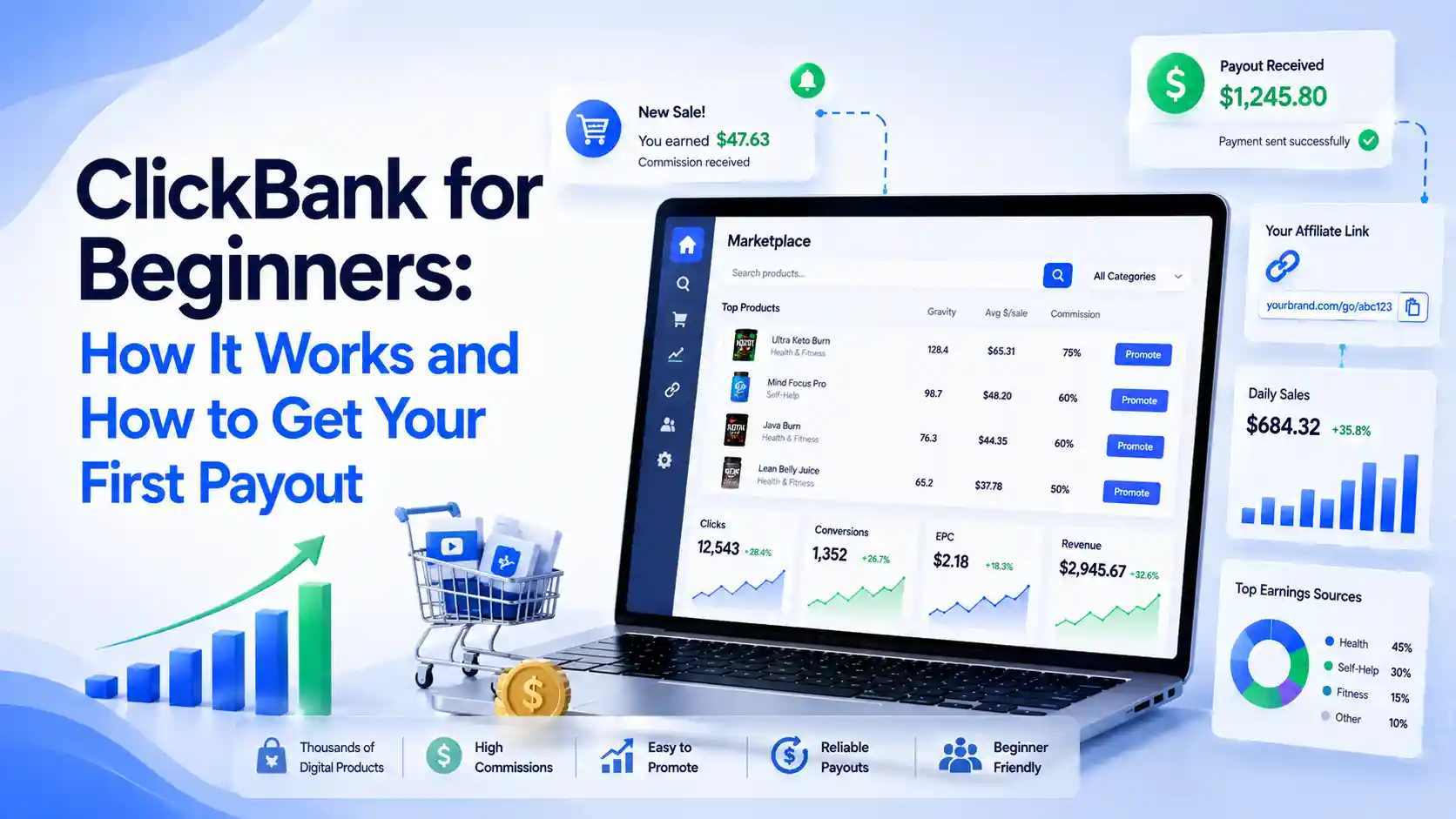
ClickBank is an online marketplace that connects two groups of people: creators who sell digital products, and affiliates who promote those products for a commission.
As an affiliate, you don’t create anything yourself. Instead, you pick a product already listed on ClickBank, get a unique tracking link for it, and earn a percentage of every sale that link generates.
Here’s what makes ClickBank appealing for beginners specifically:
- It’s free to join. There’s no cost to become an affiliate.
- Approval is instant. Most affiliate networks require applications; ClickBank typically doesn’t.
- Commissions are high. Many digital products pay 50% or more per sale, since there’s no physical inventory involved.
- It covers many niches. Health, finance, relationships, self-improvement, and business products are all common categories.
How ClickBank Works, Step by Step
Understanding the actual mechanics removes most of the beginner confusion. Here’s the simple version of how ClickBank works.
A creator builds a digital product — an ebook, course, or software — and lists it on ClickBank along with a commission rate they’re willing to pay. You, as an affiliate, browse the marketplace, choose a product that fits your audience, and generate a personal affiliate link for it.
You then promote that link through a blog, social media, email list, or paid ads. When someone clicks your link and buys the product, ClickBank tracks the sale back to you and calculates your commission automatically.
Once your earned commissions reach your account’s payment threshold, ClickBank issues a payout — which is where many beginners get confused, so we’ll cover that in detail shortly.
Why ClickBank Matters for Beginners
ClickBank is often recommended as a starting point for a specific reason: it removes several barriers that stop beginners before they even start.
- No product creation required. You can start earning without building anything yourself.
- No inventory or customer service. The product creator handles fulfillment and support, not you.
- Low financial risk. Since joining is free, your only investment is time and, optionally, traffic or advertising costs.
- A genuine learning platform. ClickBank teaches core affiliate marketing skills — like choosing offers and tracking performance — that transfer directly to other platforms later.
Step-by-Step Guide: Getting Started With ClickBank
Follow this order to avoid the most common beginner stumbling blocks.
Step 1: Create Your Free ClickBank Account
Sign up on ClickBank’s website with your basic details. Registration is free and takes just a few minutes.
Step 2: Set Up Your Payment Information
Add your preferred payment method early, even before your first sale. This ensures you’re not scrambling to set it up once commissions start coming in.
Step 3: Browse the Marketplace Strategically
Instead of picking the first product you see, look at a few key signals: the commission percentage, the product’s popularity score on the platform, and whether it fits an audience you can genuinely reach.
Step 4: Choose the Best ClickBank Products to Promote
The best clickbank products to promote usually share a few traits. They solve a specific, urgent problem rather than a vague one. They come from a niche you understand well enough to create honest, useful content around. And they show consistent sales activity rather than a brand-new, untested listing.
Step 5: Get Your Affiliate Link and Start Promoting
Generate your unique tracking link for the chosen product, then promote it through content that genuinely helps your audience — a blog post, a review, a comparison, or a tutorial — rather than a bare link with no context.
Step 6: Monitor and Adjust
Check your ClickBank dashboard regularly to see which products and traffic sources are converting, and shift more effort toward what’s actually working.
Uncover My Top Recommendation for Making $100-$300 Daily – Check Out This FREE Video to Begin >>>
Understanding the ClickBank Payment Threshold
This is one of the most misunderstood parts of the platform for beginners, so let’s clear it up.
Your ClickBank payment threshold is simply the amount of commission you must accumulate in your account before ClickBank issues a payment.
You can adjust this amount yourself inside your account settings, and ClickBank defaults new accounts to a threshold of $100.
In practice, this means if your threshold is set to $100 and you’ve only earned $60 in commissions, no payment goes out yet — your balance simply carries over until you cross that amount.
Payments are typically issued on a set day of the week once the threshold is met, and a small processing fee is usually deducted per payout.
It’s worth checking your current threshold setting in your account rather than assuming a fixed number, since ClickBank allows you to raise or lower it and occasionally updates its policies.
The key takeaway for beginners: hitting your first payout isn’t about a single big sale — it’s about consistently accumulating commissions until you cross your chosen line.
Common Mistakes Beginners Make on ClickBank
- Picking products based on commission percentage alone. A high percentage on a product nobody wants to buy still earns you nothing.
- Promoting with no context. Dropping a bare affiliate link with no explanation rarely converts.
- Ignoring refund rates. Some products have high refund rates, which can quietly erase commissions you thought you’d already earned.
- Not tracking which products actually convert. Without tracking, you can’t tell which promotions are worth repeating.
- Expecting instant results. Most beginners take weeks or months of consistent promotion before seeing steady commissions.
Pro Tips for ClickBank Success
Look past the commission rate and study the product’s sales page quality, since a poorly designed sales page will hurt conversions no matter how good your traffic is.
Build content around genuine reviews or comparisons instead of generic promotion, since ClickBank affiliates who explain why a product helps tend to outperform those who simply post a link.
Diversify across two or three related products in the same niche rather than betting everything on one, so a single product being pulled from the marketplace doesn’t erase your entire strategy.
Keep a simple spreadsheet of which products you’re promoting, their commission rate, and their typical refund rate, so you can compare performance clearly over time.
Finally, treat your first few months as a learning period rather than a straight income goal — the skills you build choosing offers and creating content are what compound into real results later.
FAQs
1. Is ClickBank good for complete beginners?
Yes. ClickBank is often recommended for beginners because it’s free to join, approval is typically instant, and it doesn’t require creating your own product.
2. How does ClickBank work exactly?
ClickBank connects product creators with affiliates. Affiliates promote a product using a unique tracking link and earn a commission whenever that link leads to a sale.
3. What are the best ClickBank products to promote as a beginner?
Look for products with a clear, specific benefit, a niche you understand, consistent sales history, and a reasonable refund rate rather than choosing based on commission percentage alone.
4. What is the ClickBank payment threshold?
It’s the minimum commission balance you must reach before ClickBank issues a payout. It defaults to a set amount but can typically be adjusted in your account settings.
5. Do I need a website to do ClickBank affiliate marketing?
Not necessarily. Many affiliates promote ClickBank products through social media or email marketing, though a website or blog often makes long-term promotion easier to manage.
6. How much can a beginner realistically earn on ClickBank?
Results vary widely, but many beginners aim for an initial milestone in the $200–$400 range per month as they learn which products and content styles convert best.
7. Why haven’t I gotten paid yet on ClickBank?
If your account hasn’t reached your set payment threshold, no payout will be issued yet. Check your dashboard to see your current commission balance against your threshold setting.
Uncover My Top Recommendation for Making $100-$300 Daily – Check Out This FREE Video to Begin >>>
Conclusion: Your First ClickBank Payout Starts With the Basics
ClickBank rewards beginners who understand the fundamentals: choosing the right products, promoting them with genuine value, and understanding how the payment threshold actually works. It’s not about finding a secret shortcut — it’s about consistently doing the basics well.
Start by setting up your account, picking one well-matched product, and creating a single piece of honest, helpful content around it.
Ready to make your first ClickBank sale? Set your payment threshold, choose your first product today, and start building the habit that leads to consistent commissions.