You post an affiliate link. A few days later, you get a commission notification. Exciting — but also a little confusing, because you have no idea where that sale actually came from.
Was it the blog post? The Instagram story? The email newsletter? Without a way to track affiliate links, you’re celebrating wins you can’t repeat.
This guide will walk you through exactly how to track affiliate links as a complete beginner — no technical background needed.
By the end, you’ll understand click tracking tools, UTM parameters, and conversion tracking basics well enough to start using them today.
Uncover My Top Recommendation for Making $100-$300 Daily – Check Out This FREE Video to Begin >>>
What Does It Mean to Track Affiliate Links?
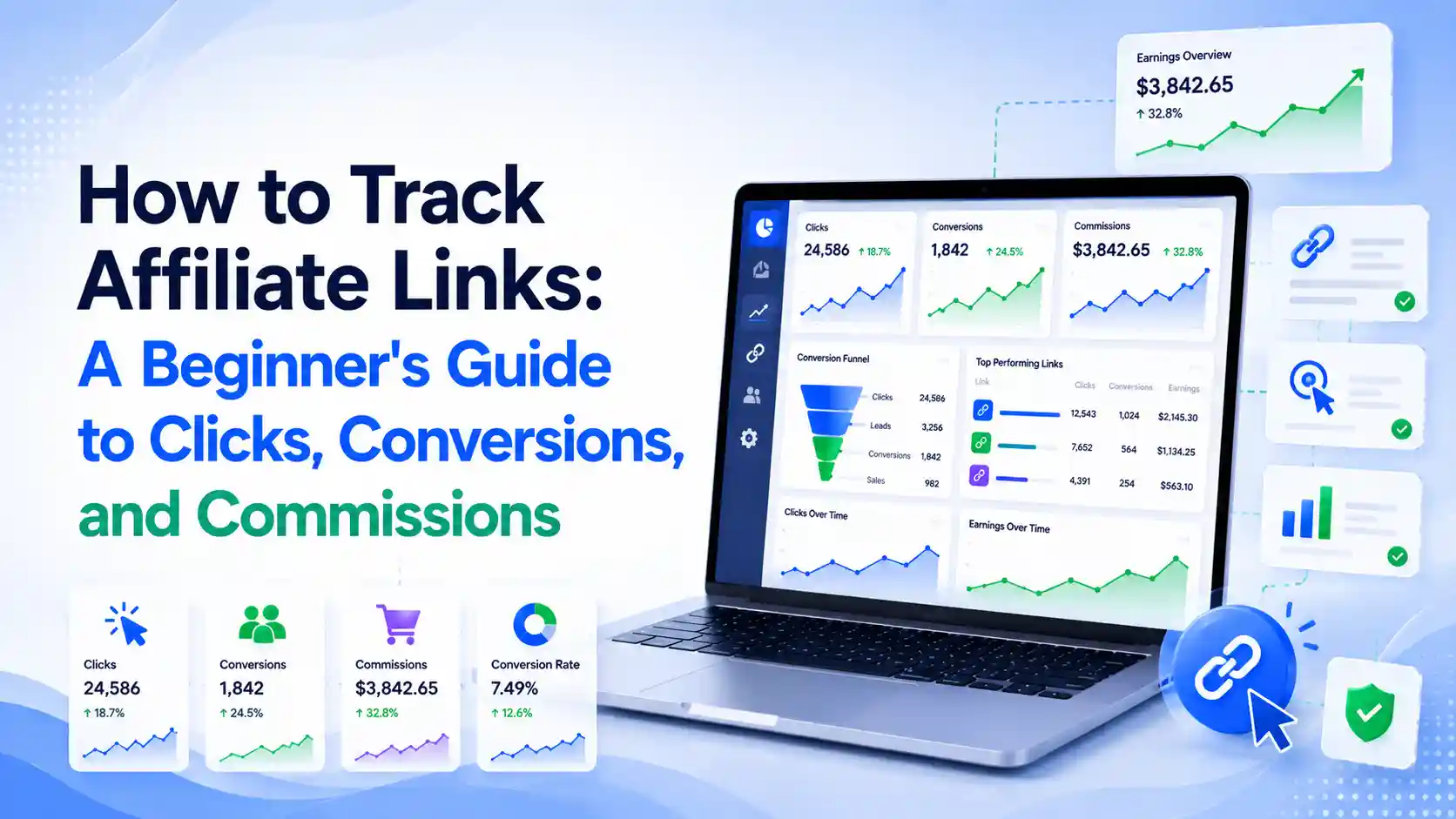
To track affiliate links means recording data every time someone clicks your link — and ideally, every time that click turns into a sale.
At a basic level, tracking tells you three things:
- How many people clicked a specific link
- Where those clicks came from (a blog post, an email, a social platform)
- Whether the click led to a conversion, like a sale or signup
Without this data, every affiliate link you share is a black box. With it, you can see exactly which content, platform, and audience actually drives income.
Why Tracking Affiliate Links Matters?
Tracking isn’t just a technical nice-to-have — it’s the difference between guessing and growing.
Here’s why beginners especially need to start tracking early:
- It shows you what’s actually working. You might assume Instagram drives your sales, when it’s really your email list.
- It helps you spend your time wisely. Once you know which content converts, you can create more of it instead of spreading yourself thin.
- It protects your income. If a link stops converting, tracking helps you catch the drop before it costs you weeks of commissions.
- It builds a repeatable system. Successful affiliates don’t rely on luck — they rely on data they can act on again and again.
- It’s often free to start. Many click tracking tools and UTM-based tracking methods cost nothing to set up.
Step-by-Step Guide: How to Track Affiliate Links
You don’t need to be a data analyst to do this well. Here’s a simple process to follow.
Step 1: Choose Affiliate Link Tracking Software
Look for a tool that lets you shorten links, redirect them cleanly, and log clicks automatically. Many beginner-friendly options integrate directly with WordPress or work as standalone platforms.
Step 2: Add UTM Parameters for Affiliates
UTM parameters are small tags added to the end of a URL that tell you exactly where a click came from. A basic UTM-tagged link might include the source (like “instagram”), the medium (like “social”), and the specific campaign name (like “spring-sale”).
Once tagged, you can see in your analytics dashboard which platform, post, or campaign is actually sending traffic — not just guessing based on gut feeling.
Step 3: Set Up Click Tracking Tools
Click tracking tools sit behind your links and quietly log every visitor. Over time, this builds a clear picture of your best-performing links, your busiest days, and your highest-traffic sources.
Most beginner tools show this data in a simple dashboard, so you don’t need to interpret raw numbers manually.
Step 4: Learn Conversion Tracking Basics
Clicks tell you interest. Conversions tell you results. Conversion tracking basics simply mean connecting a click to an actual outcome, like a completed purchase or signup.
Some affiliate programs handle this automatically through their own dashboard. Others require you to add a small tracking pixel or use your affiliate network’s built-in reporting.
Step 5: Review Your Data Weekly
Set a recurring 10-minute check-in each week to look at which links are getting clicks and which are converting. This single habit will teach you more about your audience than any course ever could.
Uncover My Top Recommendation for Making $100-$300 Daily – Check Out This FREE Video to Begin >>>
Common Mistakes Beginners Make When Tracking Affiliate Links
Even motivated beginners fall into a few predictable traps.
- Not tracking at all. Many beginners skip tracking entirely and rely on memory or guesswork, which quietly costs them growth.
- Using the same UTM tag everywhere. If every link says “social,” you can’t tell Instagram from Twitter from Pinterest.
- Ignoring conversion data. Clicks feel good, but conversions pay the bills — always look past the click to the outcome.
- Overcomplicating tracking early on. Beginners don’t need enterprise-level analytics; a simple, consistent system beats a complex one you abandon after a week.
- Forgetting to check data regularly. Tracking only helps if you actually look at it and adjust your strategy based on what you find.
Pro Tips for Advanced Affiliate Link Tracking
Once you’re comfortable with the basics, these tips help you level up.
Keep a simple naming convention for every UTM parameter you create, so six months from now you still understand exactly what each link was for. Something like source-medium-campaign works well and stays consistent as your content grows.
Compare click-through rate against conversion rate separately, since a link can get lots of clicks but very few conversions — that gap usually points to a mismatch between the content and the offer.
Segment your tracking by platform instead of looking at total numbers only, since blog traffic, email traffic, and social traffic almost always behave differently.
Revisit your top three converting links every month and study what they have in common — the placement, the wording around them, or the audience they reached, since that pattern is usually repeatable.
Finally, pair your affiliate link tracking software with your affiliate network’s own reporting dashboard so you can cross-check numbers and catch any discrepancies early.
FAQs
1. Why should I track affiliate links as a beginner?
Tracking shows you exactly which content, platform, and audience actually generate sales, so you can focus your time and effort on what works instead of guessing.
2. What are UTM parameters for affiliates?
UTM parameters are tags added to a URL that record details like traffic source and campaign name, letting you see precisely where your clicks and conversions originate.
3. Is affiliate link tracking software free?
Many tools offer free plans for beginners, while more advanced tracking features — like split testing or unlimited links — typically fall in the $50–$200 per year range.
4. What’s the difference between click tracking and conversion tracking?
Click tracking tells you how many people clicked a link. Conversion tracking basics go a step further, showing whether that click actually resulted in a sale or signup.
5. Do I need coding skills to track affiliate links?
No. Most click tracking tools and UTM builders are beginner-friendly and require no coding — just pasting a link and filling in a few fields.
6. How often should I check my affiliate link tracking data?
A weekly review is usually enough for beginners to spot trends without becoming overwhelmed by daily fluctuations.
7. Can I track affiliate links on social media platforms?
Yes. Tagging your links with UTM parameters before sharing them on Instagram, TikTok, or Twitter lets you clearly see which platform drives the most engagement and sales.
Uncover My Top Recommendation for Making $100-$300 Daily – Check Out This FREE Video to Begin >>>
Conclusion: Start Tracking Before You Scale
Learning to track affiliate links is one of the simplest habits that separates hobbyist marketers from consistent earners. It replaces guesswork with clarity, and clarity is what lets you repeat your wins on purpose.
Start small: pick one click tracking tool, add UTM parameters for affiliates to your next five links, and check your results after a week.
Ready to see exactly where your clicks — and commissions — are really coming from? Set up your first tracked link today and start building a system you can actually learn from.