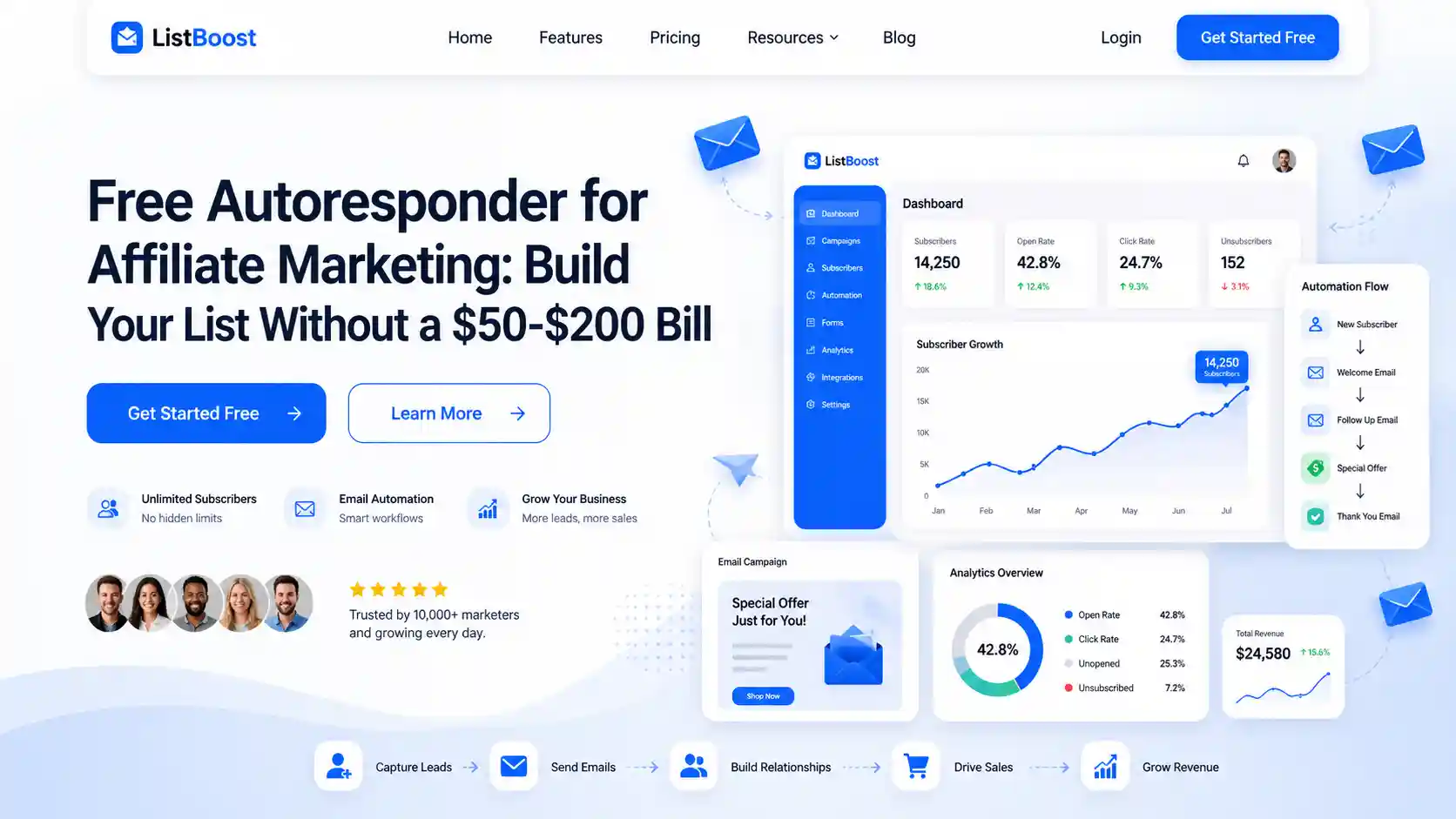
A free autoresponder for affiliate marketing lets you collect leads and send automatic emails without paying a cent to start.
If you are new to affiliate marketing and every dollar counts, this is the smartest first tool to set up.
You build an email list you actually own, then let software follow up with your subscribers on autopilot.
Here is why this matters so much. Paid email plans often run $50 to $200 a month once your list grows.
Starting free means you test the waters, earn your first commissions, and only pay when the tool already makes you money. Smart order of operations.
This beginner guide breaks down what a free autoresponder is, why it beats posting affiliate links on social media, and which free tools work best in 2026.
You also get a quick GetResponse vs AWeber breakdown and a simple setup plan.
My Best Recommended & Proven Way to Make $50-$100 Daily – Watch This FREE Video to START >>>
What Is a Free Autoresponder for Affiliate Marketing?
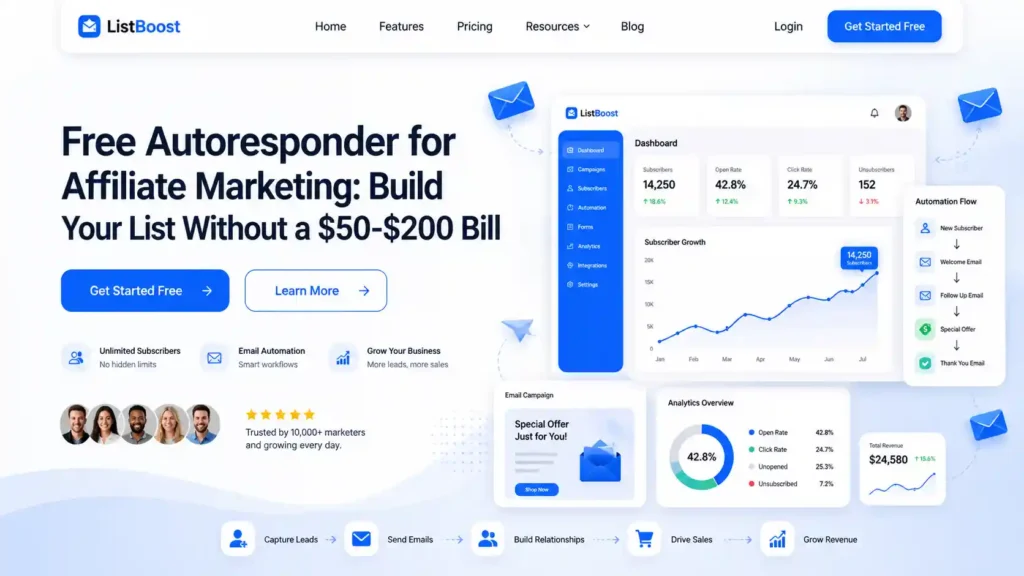
A free autoresponder for affiliate marketing is email software that automatically sends pre-written messages to your subscribers, at no cost on its starter plan. You set up a sequence once, and it runs on its own.
Someone joins your list, and the tool sends a welcome email right away. A few days later, it sends a helpful tip. Later still, it recommends an affiliate product. All hands-free.
Most free autoresponders give you these basics:
- Signup forms to collect emails from your website or landing page.
- Automatic email sequences that send on a schedule you choose.
- Broadcast emails to message your whole list at once.
- Basic reports so you can see opens and clicks.
The catch with free plans is limits. You usually cap out at a set number of subscribers or emails per month.
That is fine while you are starting, and you upgrade only when your list earns its keep.
Why a Free Autoresponder Matters for Affiliates?
Email is the one audience you truly own. Social platforms can change their rules or ban your account overnight, and your followers vanish with it. Your email list stays yours.
The money backs this up. Email marketing returns some of the highest profit per dollar of any channel, which is why seasoned affiliates say their biggest early mistake was waiting too long to build a list.
Free autoresponders lower the barrier to zero. You start collecting leads today instead of “someday when I can afford it.” Every subscriber you gather now is one you can email again and again for free.
One warning that saves accounts: pick an affiliate-friendly tool. Some popular services, such as Mailchimp, restrict or ban affiliate links.
Tools like GetResponse, AWeber, and Brevo welcome affiliates, so your account stays safe.
How to Set Up Email Automation for Beginners: Step by Step
You do not need tech skills. If you can send a normal email, you can do this. Here is the path from zero to your first automated sequence.
Step 1: Pick an affiliate-friendly free tool. Start with Brevo, AWeber, or GetResponse. All three allow affiliate links and offer a free plan or trial.
Step 2: Create a signup form or landing page. Use the tool’s built-in builder. Offer something free, such as a checklist or short guide, so people want to join.
Step 3: Write a welcome email. Say hello, deliver your freebie, and tell subscribers what to expect. First impressions count.
Step 4: Build a short sequence. Write three to five emails. Mix helpful tips with one soft affiliate recommendation. Do not pitch in every message.
Step 5: Add your affiliate links carefully. Place links inside genuinely useful content. Always follow the disclosure rules in your country.
Step 6: Turn it on and watch the numbers. Check open and click rates. Swap weak subject lines and keep what works.
My Best Recommended & Proven Way to Make $50-$100 Daily – Watch This FREE Video to START >>>
Best Free Autoresponders and Email Marketing Tools in 2026
Here are the best email marketing tools with real free plans, along with what each one allows. Details come from each provider’s current pricing pages and recent reviews.
- Brevo: free plan sends up to 300 emails a day to unlimited contacts, with a drag-and-drop editor, forms, and basic automation. Affiliate-friendly. Paid plans start near $9 a month.
- AWeber: free for up to 500 subscribers and 3,000 emails a month, with one landing page. Affiliate-friendly, with 24/7 support even on the free tier.
- GetResponse: free plan for up to 500 contacts with one landing page, plus a 30-day trial of full features. Affiliate-friendly and strong on automation.
- HubSpot: free plan allows 2,000 emails a month to as many as a million contacts, though it shows HubSpot branding until you upgrade.
- SendPulse: free tier covers up to 500 subscribers, with email, SMS, and chatbot tools in one place.
- EmailOctopus: an affordable, affiliate-friendly tool with a free plan and a clean drag-and-drop editor.
- FluentCRM: a self-hosted WordPress plugin with a free version, so you keep full control of your list.
Once you outgrow free and want cheap email marketing software, SendX starts around $7.49 a month with unlimited emails, and Brevo’s paid plan begins near $9 a month.
GetResponse vs AWeber: Quick Comparison
Since both are top affiliate-friendly picks, here is the short version.
AWeber suits beginners who want simple and cheap. It has run since 1998, offers 700-plus email templates, connects with 750-plus apps, and gives 24/7 support even on free.
Entry paid plans start around $15 a month. Its automation is basic and linear.
GetResponse suits marketers who want more power. It brings visual automation workflows, sales funnels, AI email tools, and built-in webinars that AWeber lacks.
Paid email plans start around $15 to $19 a month for 1,000 subscribers with unlimited sends.
Short answer: choose AWeber to keep things simple and low cost, and pick GetResponse when you want advanced automation and webinars under one roof.
Common Mistakes to Avoid
New affiliates tend to stumble the same few ways with email. Steer clear of these and you protect your list and your sanity.
- Using a tool that bans affiliate links: check the rules first. Getting banned means losing your whole list.
- Pitching in every email: constant selling burns out subscribers. Give value, then recommend.
- Skipping the freebie: people rarely hand over an email for nothing. Offer a helpful giveaway.
- Ignoring the numbers: if you never check opens and clicks, you never get better.
- Buying an email list: purchased lists tank your delivery and can get your account closed. Grow it honestly.
Pro Tips and Advanced Insights
Once your first sequence runs, these moves lift your results without costing extra.
Warm up new subscribers. Send value-packed emails for the first week before any hard pitch. Trust sells better than pressure.
Segment your list. Tag subscribers by interest so you send the right offer to the right people. Free tools like Brevo allow basic tagging.
Test your subject lines. A stronger subject can double your opens. Try two versions and keep the winner.
Resend to non-openers. Mail the same message again with a fresh subject to people who missed it. Free extra opens.
Keep one backup export. Download your subscriber list now and then. If a tool ever fails you, you still own your audience.
Frequently Asked Questions
What is the best free autoresponder for affiliate marketing?
Brevo, AWeber, and GetResponse are top picks. All allow affiliate links and offer real free plans, so beginners can build a list without paying upfront.
Can I really do affiliate marketing with a free email tool?
Yes. Free plans from Brevo, AWeber, and GetResponse include the automation you need to run full affiliate email sequences. You upgrade only when your list grows.
Which email tools ban affiliate links?
Mailchimp is known for restricting affiliate marketing. To stay safe, use affiliate-friendly tools such as GetResponse, AWeber, Brevo, or SendPulse.
Is GetResponse or AWeber better for beginners?
AWeber is simpler and cheaper to start, with strong support. GetResponse offers more advanced automation and built-in webinars. Beginners on a budget often start with AWeber.
How many subscribers can I have on a free plan?
It varies. AWeber and SendPulse cover up to 500 subscribers, Brevo allows unlimited contacts with a 300-email daily cap, and HubSpot supports huge contact counts with a monthly send limit.
What is the cheapest email marketing software after the free plan?
SendX starts near $7.49 a month with unlimited emails, and Brevo’s paid plan begins around $9 a month. Both are budget-friendly upgrades.
Do I need my own website to use an autoresponder?
No. Most tools include free landing pages and signup forms, so you can collect emails even without a website.
My Best Recommended & Proven Way to Make $50-$100 Daily – Watch This FREE Video to START >>>
Start Building Your Free Email List Today
A free autoresponder for affiliate marketing gives you the one asset every successful affiliate wishes they had built sooner: an email list you own.
You do not need a budget or tech skills. You need one affiliate-friendly tool and a simple welcome sequence.
Pick Brevo, AWeber, or GetResponse. Create a signup form. Write your first three emails this week. Your future commissions will thank you.
Ready to start? Grab our free email starter checklist and launch your first automated affiliate sequence today.